

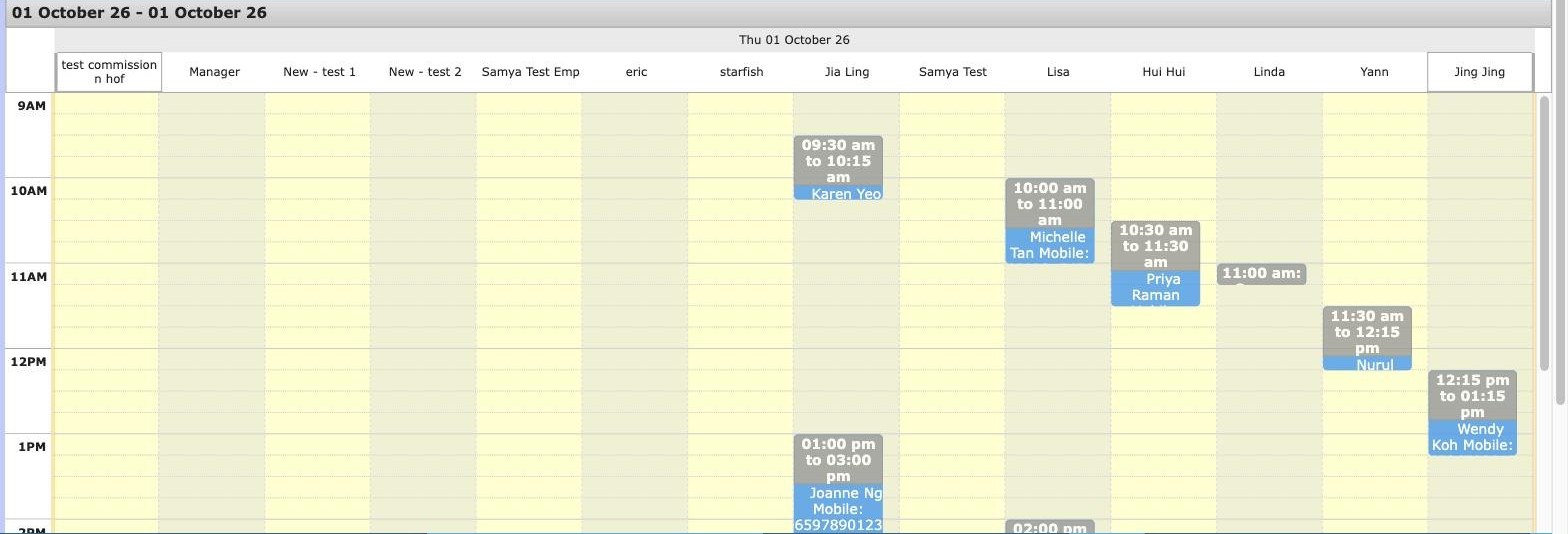
The changeover, in the order it happens
- Get your data out of the old system first. Before anything else, before you have even agreed a date. Everything downstream waits on this.
- Install. About thirty minutes, done remotely. The floor keeps running.
- Import. Customers, visit history, packages and credits go in from Excel or CSV. This runs alongside trading and usually completes within days.
- Check the balances. The part people skip. Pick fifteen clients — the ones with the most complicated package histories — and verify each balance by hand against the old system before you go live.
- Train. Your counter team, on the system, with your own data in it.
- Go live on a chosen day. Not a Saturday.
It is almost never the software. It is a package balance that disagrees with what a client believes she has left. Verify the complicated ones by hand before go-live, not after a client queries one at the counter.
Running both for a week
Some salons want to run the old and new systems in parallel for a week. It is reassuring and it is usually a mistake. Two tills means two versions of the truth, staff entering a sale in one and forgetting the other, and a reconciliation at the end of the week that takes longer than the switch did.
Keep the old system readable but stop writing to it. You want it available to check history against, not accepting transactions.
What to ask before you agree a date
- Who does the import — you, or me with a spreadsheet and my evenings?
- What exactly is imported, field by field? Get the list.
- What happens if a balance imports wrong — who fixes it, and at what cost?
- Is training included, and is it on my data or a demo set?
- If I decide on day three that this was a mistake, what then?
That last one is a fair question and you should ask it of anybody, including us. A vendor who has no answer has not thought about your risk, only their sale.
How we do it
We deliver and set up the hardware and install remotely, without disrupting the business. If your data is ready in Excel we import it within days, running alongside your normal trading. Then our trainers take your team through it — on your own data, not a demo — so the counter is competent before go-live rather than learning on live clients. Priced per branch; a second outlet is a second licence and the two sync live.
Questions we get asked
How long is the counter actually down?
Installing the system takes about thirty minutes, and it is done remotely without closing the floor. What takes longer is the data and the training, and neither of those stops you trading.
Can you bring my client list across from my old system?
Yes, if you can get it out as Excel or CSV. Customers, visit history, packages and credits import, and that work runs alongside normal trading rather than instead of it — usually finished within days.
What if my old vendor will not give me my data?
Ask them in writing, and ask early — this is the single most common delay in a changeover. Most systems have an export or a report that can be saved to Excel even when there is no formal export function. If you are genuinely locked out, tell us what you can get and we will tell you honestly what can be rebuilt and what cannot.
What does not come across?
Be realistic about this. Anything that only existed as a layout in the old system — screen arrangements, custom report formats, half-finished notes — does not transfer. Outstanding balances, package balances and client history do. Photos and attachments depend entirely on what your old system will release.
When is the worst time to switch?
The week before a public holiday or a promotion you have already advertised. The best time is a quiet week with your full counter team rostered, so the people who will use it are the people being trained on it.